Log 003: Engineering Attention With The Kinetic Workflow
The exact production pipeline behind viral AI art: from Midjourney source frames to upscaling, expansion, and video with the Kinetic Workflow.
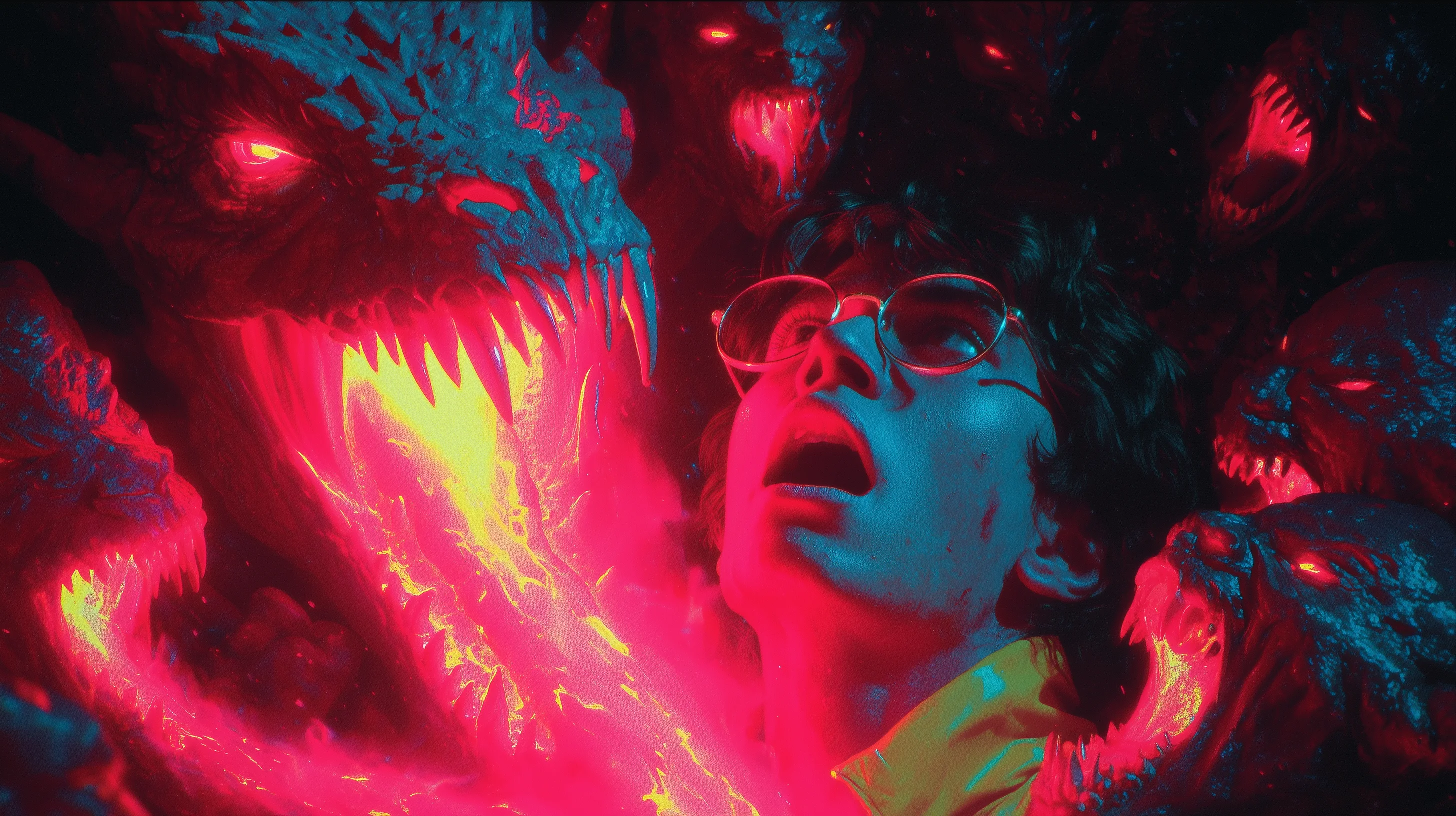
Status: System Online.
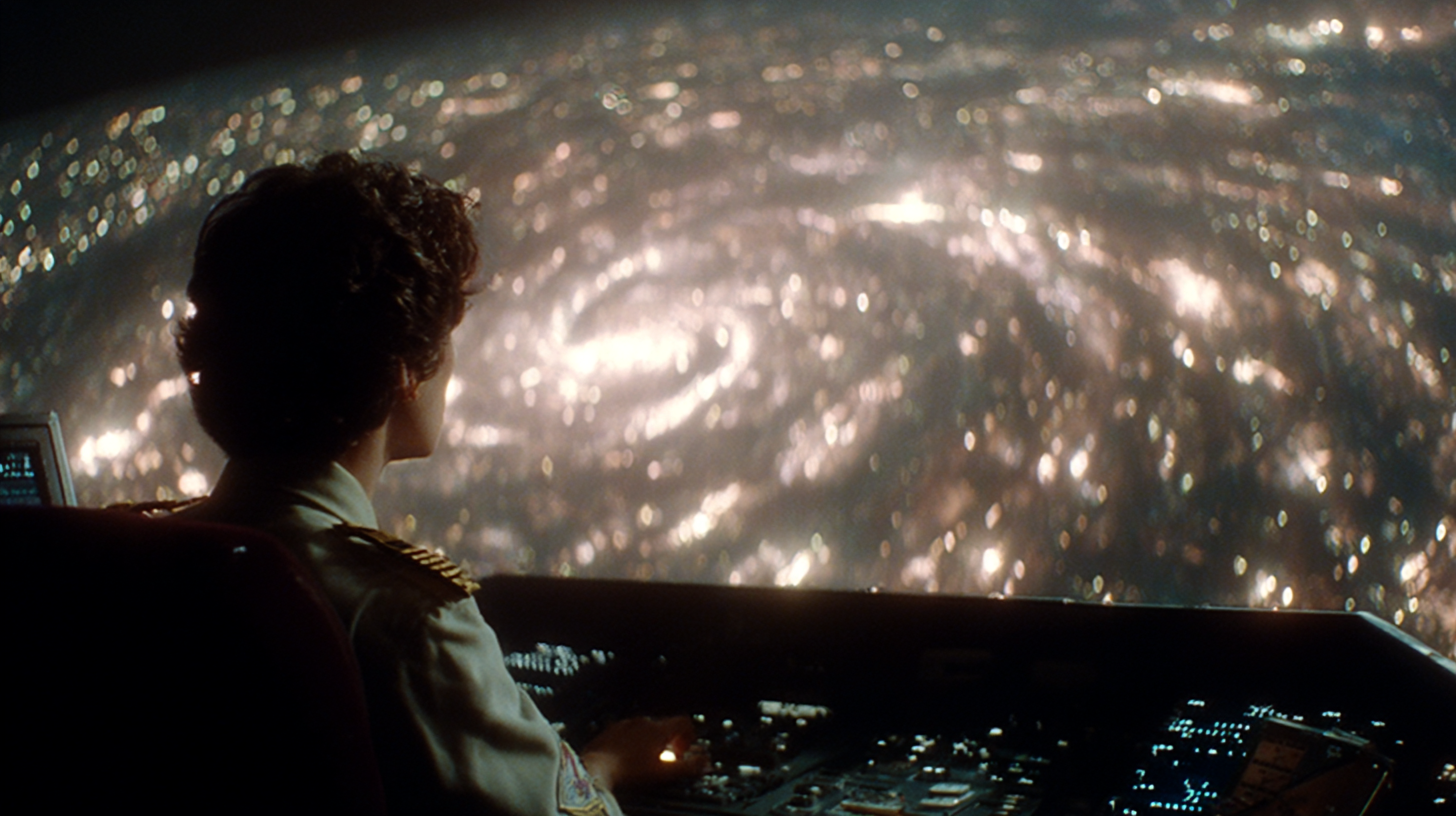
First, a massive thank you to the 500+ builders who have already downloaded the Codex. Seeing that traction is incredible. I designed it to be frictionless—no signups, no gates, no friction. If you want it, it's yours.
This zero-friction approach is deliberate. I want these ideas to spread as far as possible, and I want this newsletter to be an "inverted filter." If you are reading this, you are the real ones—the people with a genuine interest in the craft. To my first paid subscriber: thank you. Your support means more than you know.
From Foundation to Velocity
The Codex (Download Here) gave you the static foundation: the worldbuilding, the theory, the narrative logical insights I use every day. Today, we shift gears to velocity.
How do we move that world through the feed?
Velocity is the name of the game.
I work a full-time job, I have a family, and I'm building this audience on the side. I don't have the luxury of endless tinkering. I need speed.
Velocity + Scale is a killer combination. If you can create great work fast, you are already ahead of the game. I wish I could spend 4 hours perfecting a single piece—and maybe the engagement would be higher—but the "quality game" is being solved by models day by day. The only moat left is Taste, which we discussed in Log 001.
For me, the game is now Speed, Quality, and the Timeline. The work isn't just the single piece; it's the cumulative story of your feed. That's why I have one big rule: No reposts. No politics. Keep the timeline clean.
Today, I'm sharing my personal production pipeline—the exact steps that turn a raw idea into a signal.
The Friction
The Trap: Tool Fatigue
Every day, there is a new app. A new model. A new "magic button." It is exhausting to keep up, and it's expensive—both in money and in focus.
This generates Tool Fatigue: the constant switching that kills your flow and dilutes your output.
More Tools ≠ Better Art
A Director doesn't use every camera on the shelf; they pick the specific rig that tells the story. More tools don't necessarily mean better output, but being aware of the right tools does.
You need a stack that allows for high-volume iteration.
Finding the right image is often a numbers game—a question of better prompting, yes, but also of setting up a system that lets you generate and judge volume quickly. That is where the gems are found.
You Need a Protocol
You don't need more tools; you need a Protocol. A strict linear process that eliminates guessing. The work is not just the final image; it is the system that produced it.
Stage I: The Source of Truth (Midjourney + Flora)
The Single Frame
The single frame is the foundation, a poster on itself, and every viral video starts as a single, perfect frame.
If the composition is weak, no amount of motion will save it.
There is still no better tool than Midjourney for this source of truth. It offers the strongest customization power. With the new style generator, you can create unique Srefs based on your input, making the discovery process genuinely enjoyable. For me, other models are catching up, but they still feel like "AI." Midjourney retains its soul.
In this video I show you how to farm styles to get you started.
The Technique: The Wrapper
I'm starting to use Flora intermittently as my interface. I use it at work, I'm used to it, and the UI/UX is clean (even if deleting nodes can be a pain). It handles large volumes of images well and visualizes the workflow. I'm not linking them because I'm not sponsored or anything if you want you can google them.
My protocol is basic:
- Generate the base image in Midjourney.
- Upload to Flora.
- Upscale using Magnific (it adds the right amount of noise/detail without hallucinating) or Topaz.
- Then, we move to the expansion phase.
Stage II: The Expansion (Nano Banana)
The Game Changer
Since Nano Banana Pro dropped a few weeks ago, things have taken a sharp turn. The model is so powerful it feels scary.
Standard upscaling just makes things bigger. This workflow adds density. It generates new, coherent details that make the world feel "expansive." It takes creative control to a new level. The liminal space is visualized.
Two trends I'm exploiting right now:
- Style Transfer: Taking a stylized/illustrated image and forcing it into hyper-realism.
- The "Behind the Scenes" Expand: You've seen the viral "Backstage of Akira" trend. But what if you do that for your own work?
I used this technique for the Codex Vol. 02 cover. I took a portrait and expanded it into a full environment—a wardrobe collection laid out perfectly, art-directed to the pixel. This turns a simple character shot into a World. It gives the viewer somewhere to look, details to admire, and a narrative to decode.

Stage III: The Pattern Interrupt (Motion)
The Psychology
Pattern Interrupt is the trigger we need to stop the doomscroll. The human eye is evolutionarily wired to detect movement. Platforms are pushing video as the #1 priority. We must adapt.
(That being said, my biggest viral hit was a static image. Never underestimate a perfect still).
The Tool Comparison
- Midjourney Video: I used to be a fan. It was fast and integrated. But honestly? The other models have lapped it. It needs an update.
- Grok Video: My current daily driver. The model has gotten incredibly good. It has a built-in upscaler, the physics are solid, and the X integration makes posting seamless. I barely prompt it—I let the image drive the logic.
- Kling (via Flora): I've been using this recently for its crispness. The quality is clean, and the community outputs are stunning. It seems to get better every day. I recently got this hit using the whole pipeline I just mentioned.
The Takeaway
Don't animate just to animate. Animate to reveal.
I've always seen Midjourney as "photographing my imagination." Video is promising, but it's still short (5-20 seconds) and chaotic. Lately, I've seen people exploring Speculative Game Design—using motion not to tell a movie story, but to show how a future game interface or world might feel.
Stage IV: The Kill Floor (Curation & Editing)
The Hard Truth
Making long videos is a mistake.
I learned this the hard way. I started my AI journey making a short film. It did well for the time, but the ROI on effort was incredibly low.
The Discipline
Editing (your work in general, not a video) is not about what you keep; it's about what you discard.
Look at your Midjourney timeline. Look at the thousands of images you didn't share. You are the curator. You protect your audience from the flood. One great post is worth 100 sloppy ones.
There is an "Uncanny Valley" for quality. The best AI artists manage to bridge this gap through ruthless curation. Their work doesn't feel like AI because they only show the 1% that transcends the medium.
The Workflow
I used to schedule posts a week in advance. I had a Figma file (snapshot below) where I laid out the grid to find the narrative flow. It was liberating but felt detached.
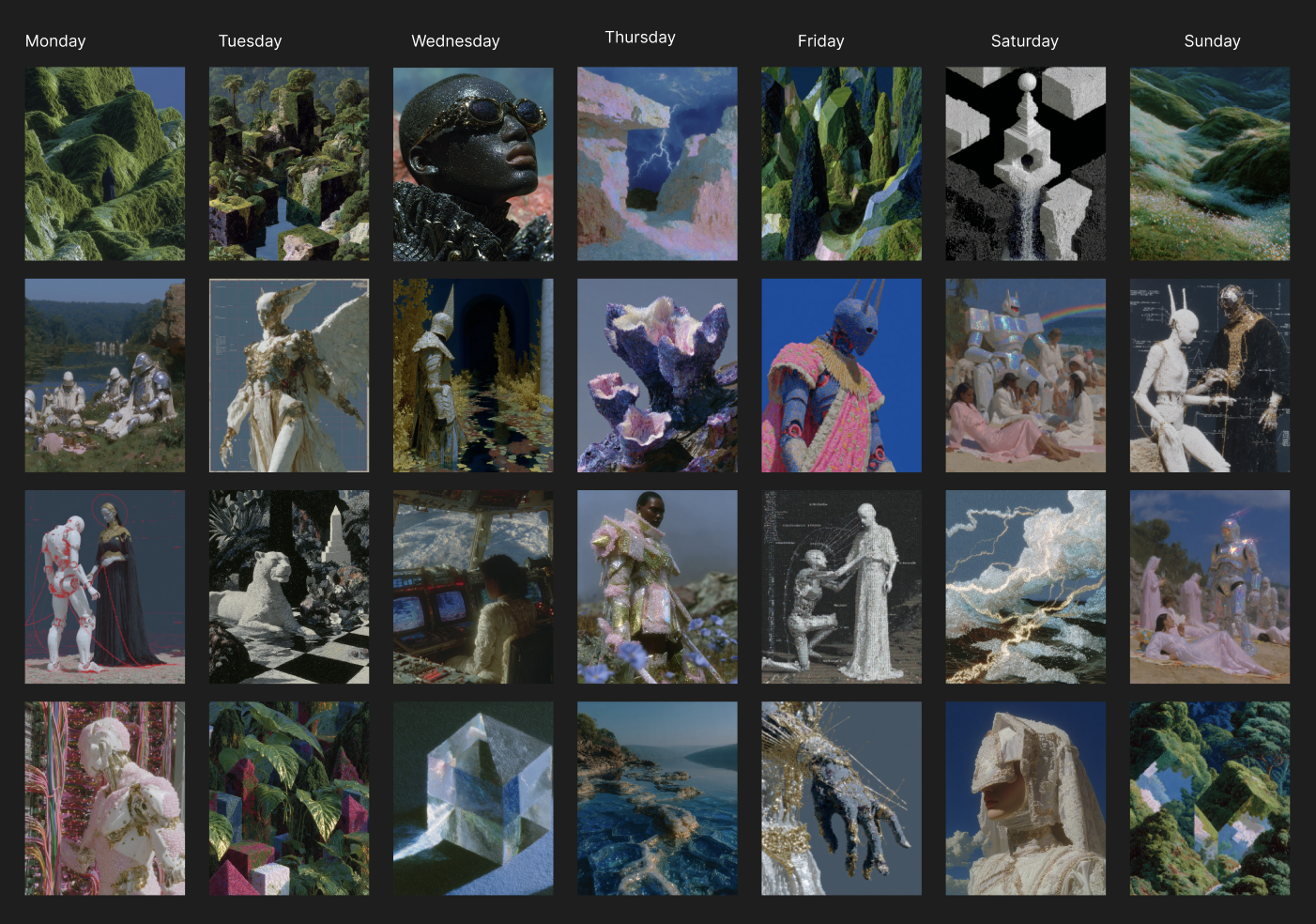
Now, I go with the flow. It's more organic, perhaps more inconsistent, but it allows me to focus my free time on high-value assets like this newsletter and the Codex. The beauty of X (vs. Instagram) is the real-time connection. There is a lot of value in organizing your work in such a way.
The Micro-Decision
Attention is fragile. A perfect 5-second loop often beats a dragging 60-second narrative. Unless you are truly disrupting their day, people won't give you a minute. If you go long, lean into concepts like "Gameview"—where a consistent character traversing a world is the story.
Stage V: The Framing (Title & Context)
The Theory
The image grabs the eye; the Title grabs the mind.
The VVSVS Approach
The title creates the "Meaning." It anchors what people see to what you want them to feel. It unlocks the door to your world.
Don't be descriptive.
- Bad: "A robot in a rainy city." (Boring. Literal).
- Good: "Zero Frequency." (Evocative. Philosophical).
Name the model. Frame the year. Hint at the discovery. Tell a micro-story. Never be boring.
The Revelation (Virality vs. Coherence)
The Synthesis
Virality is often luck—being at the right place at the right time. But Coherence is a career path.
If you are consistent, your work starts to make sense to your audience. They know what to expect (quality) but are surprised by what they get (creativity). They recognize your "hand" in the micro-decisions.
This builds trust. Strangers recognize the craft and follow.
The Long Game
Early in my X journey, I had a 5.6 Million view hit. The dopamine was insane. I thought I had made it.
Then reality hit. I couldn't replicate it immediately. I got demonetized (flagged as a "reply guy" by mistake). But I kept going. I believed in the work. I kept exploring.
Now, I'm remonetized. I'm growing consistently. I've had minor viral hits since, but the game is different now. It's pure fun.
Closing Thought
Followers and personal brands have tangible value. I see creators making a living from their art because they mastered Distribution.
Content without Distribution fails. Quality without Visibility is a hobby.
This is the tech stack I use. I hope it helps you build a pipeline with speed and master the architecture of attention.
If you haven't established your foundation yet, the Codex Vol. 01 is still open.
Stop rendering. Start Directing.
Ivan — VVSVS™