MidJourney Hack: How to Farm Unique SREF Codes
How to generate hundreds of unique Midjourney sref codes fast — a systematic method for building your own style reference library for consistent AI World Building.
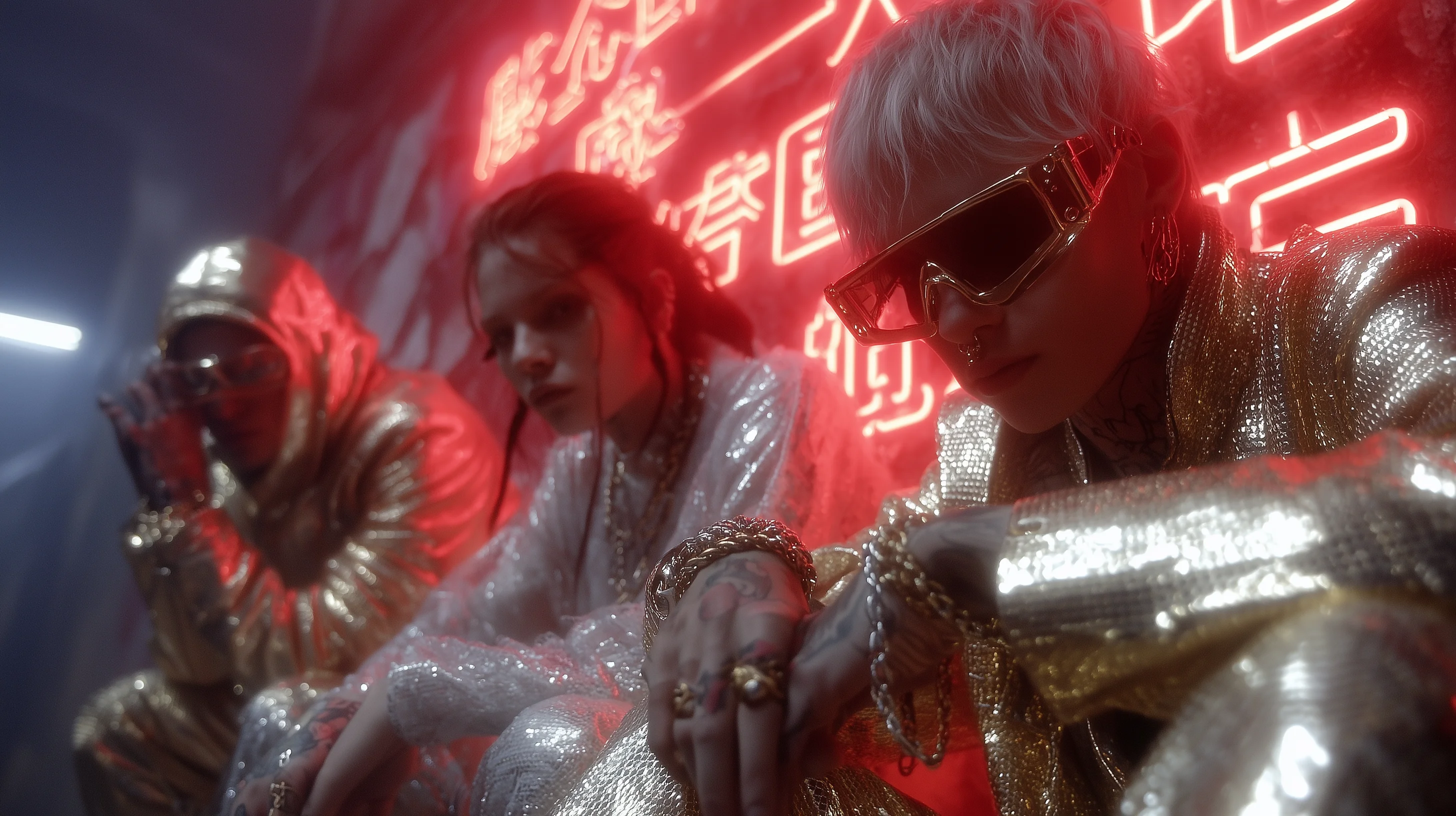
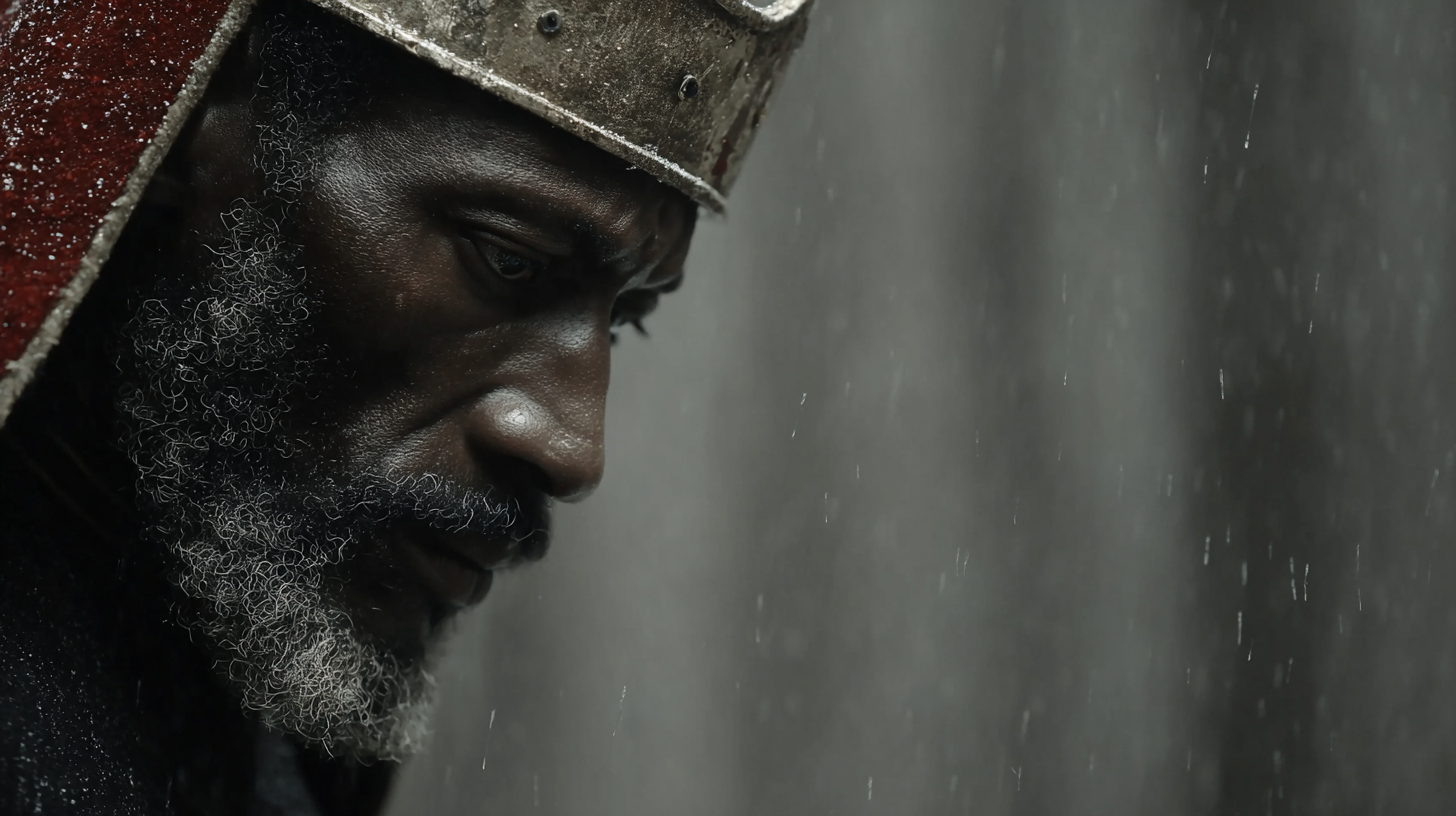
Here's a Substack post version based on the YouTube video "MIDJOURNEY HACK - Farm Style References that feels ILLEGAL!"
🌾 MidJourney Hack: How to Farm Unique SREF Codes Like a Pro
By Ivan, Creative Director
Are you ready to take your AI art to the next level with MidJourney? In this guide, I'll reveal a simple, "almost illegal" hack for farming unique style reference (SREF) codes—plus my step-by-step workflow for elevating your creations whether you're a total beginner or seasoned pro.
What You'll Learn
- What SREF codes are, and why they're game-changing
- Techniques for discovering and collecting unique SREFs
- Live workflow examples, including how to "blend" styles
- Pro tips for organizing your favorite codes
1. Understanding SREF Codes
SREF codes (Style Reference codes) in MidJourney act like magic wands for AI-generated art styles. They customize and evolve the look of your creations, making your results stand out from the usual painterly or repetitive outputs.
To get the most from this feature, start by setting up your own global profile on MidJourney. I recommend ranking at least 200 images on V7. This base profile will influence all your future creations with your favorite vibes—think touches of retro photography, subtle green tones, lighter black spectrums, and painterly finishes.
2. The Farming Workflow
Here's my hack:
- Use "sref random" as a prompt addition (e.g., "a man sref random"). This generates one random style reference for your image.
- Want even more unique styles? Use "sref random random" (two randoms), or keep stacking "random" up to eleven times! Each extra "random" blends more SREFs together for creative, sometimes unexpected results.
I love combining two SREFs—they blend unpredictably, adding "magic" to your outputs. Once you find a combo you like, copy and paste it across multiple prompts and themes (animals, cars, landscapes, portraits) to see how it transforms everything.
As you experiment, you'll discover:
- Infographic details, color overlays, and wild styles emerge
- Some outputs get an anime, photography, or even woodcarving vibe
- The deeper you go, the more new creative rabbit holes you'll find
3. Organize & Expand
When lightning strikes and you find an SREF combo you love:
- Save the code for future use
- Apply it to drastically different prompts (e.g., "a robot king," "animals in a purple forest," "a car in an epic landscape with a castle")
You'll be amazed at how new worlds and stories unfold—this is World Building with MidJourney at its best.
Final Tips
- Tweak between 1-2 SREFs for balanced results.
- Adjust prompt flavors ("photographic," "painterly," specific colors) for even more control.
- When you hit a creative wall, stack more "randoms"—there's always a new style to discover.
Thanks for following along! This is my first deep dive into MidJourney workflows—let me know if you enjoyed it, and stick around for more digital art hacks and AI secrets.