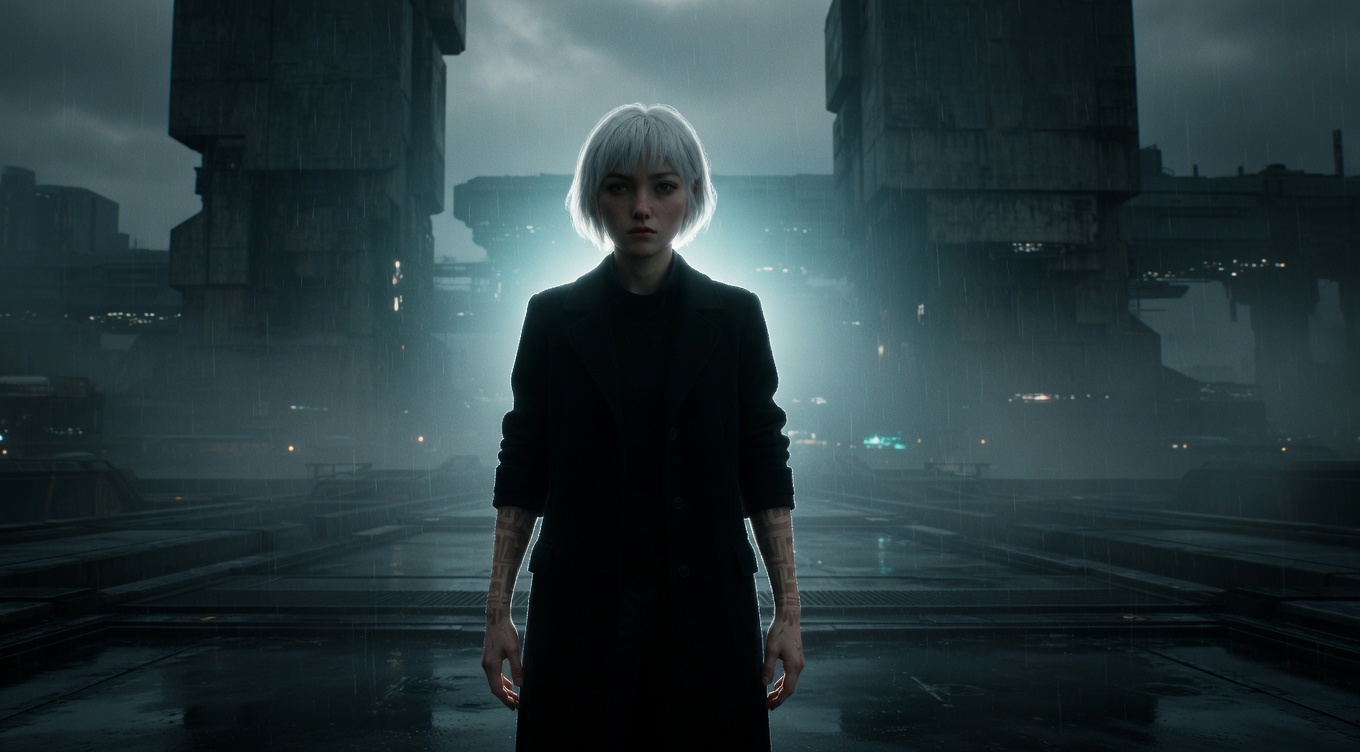
Light positioned behind the subject, creating a rim of light around their edges that separates the subject from the background and adds a halo-like, ethereal quality. Emmanuel Lubezki is the modern master of backlighting, using natural backlight in "The Revenant" and "The Tree of Life" to create an almost divine luminosity around his subjects. Vittorio Storaro's backlighting in "The Last Emperor" gives Pu Yi a godlike glow, and Janusz Kamiński's aggressive backlighting in "Schindler's List" and "Saving Private Ryan" — sometimes called the "Kamiński look" — adds an otherworldly haze to traumatic events.
By Ivan Flugelman · Reviewed 16 July 2026
Prompt template
Backlit [Subject] with brilliant rim of white-gold light tracing every contour, hair transformed into a luminous halo of individually backlit strands, atmospheric dust and particles lit up like a galaxy of floating stars, god rays streaming past the figure, shot on a Cooke S4 with gentle halation on the overexposed highlights, the ethereal separation of backlight turning form into something divine
Replace [Subject] with your own character or scene. The prompt is technology-agnostic and works as a starting point for AI image or video generators.
When to use Backlight
Backlight is right when a subject must separate from a dark or visually busy background, or when the scene needs an ethereal halo. It performs especially well with hair, smoke, dust, rain, translucent fabric, and atmospheric haze. Use it for arrivals, memory fragments, spiritual imagery, or silhouettes with readable edges. Because the source faces the lens, decide whether the front remains dark or receives enough fill for expression.
Directing the AI
Position the strongest source behind the subject and slightly above frame level. Describe a white-gold rim tracing shoulders, hair, and profile while particles in the air catch narrow beams. Let highlights bloom gently, but keep edge shape intact rather than washing the whole frame. State whether the face stays silhouetted or receives restrained frontal detail. In motion, maintain convincing occlusion: the rim should disappear on edges blocked from the source and brighten as the subject turns toward it.
Common mistakes
Applying an even glowing outline around every edge, including surfaces the rear source could not physically reach.
Overexposing the background and rim together until the subject loses its silhouette instead of gaining clear separation.
Ignoring atmosphere and surface response, which turns potentially luminous light into a thin digital-looking stroke around the figure.