LOG 024: How to Make an AI Movie Trailer in a Weekend
The whole process for complete beginners, from one sentence to a finished trailer: plan the film, make the shots, and finish it. Three phases, three tools.
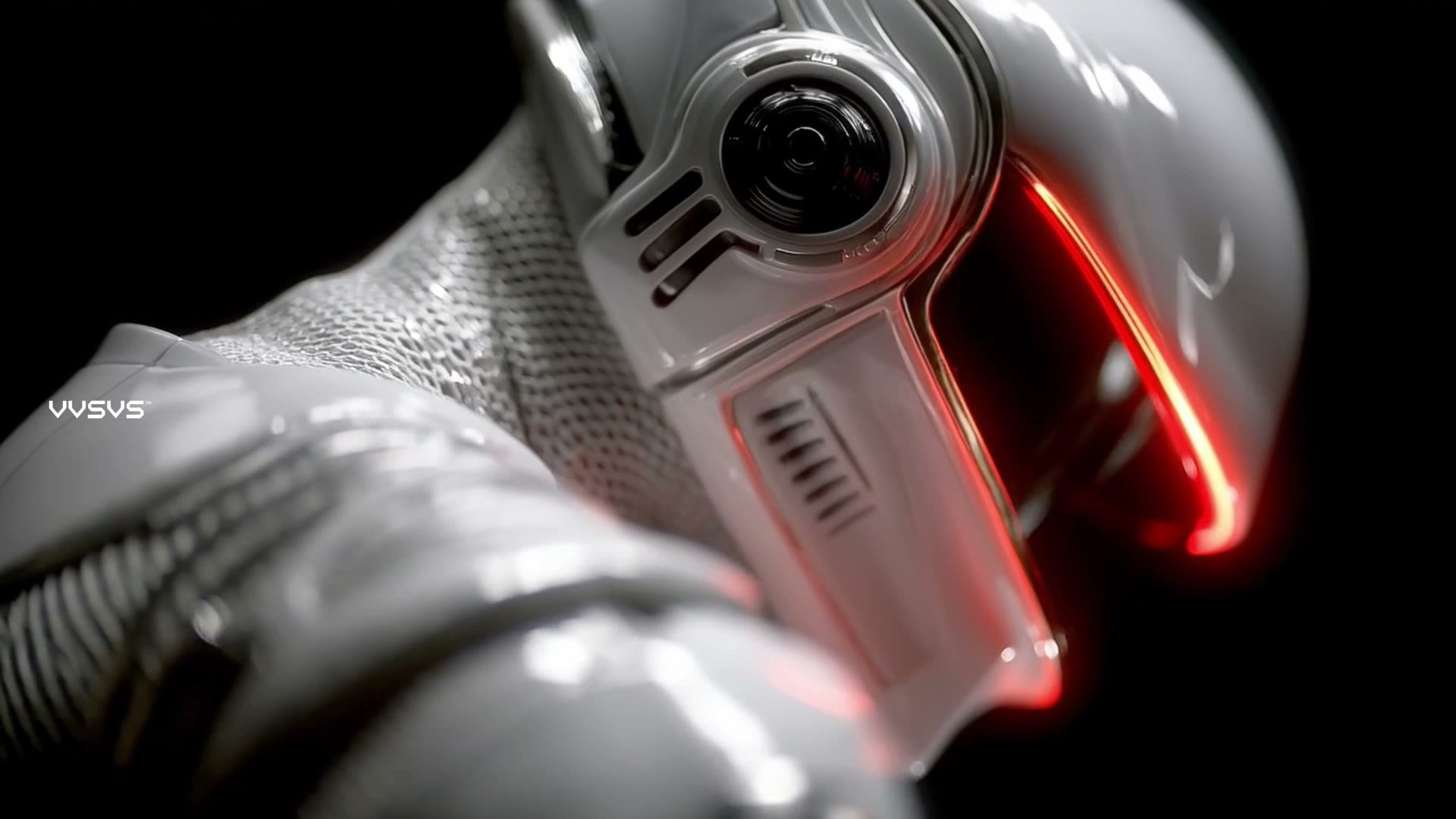
I'm Ivan. I make films with AI. Short films, trailers, a series. This is an introduction to AI filmmaking for complete beginners. I'll show you the whole process, from one sentence to a finished trailer.
It has three phases: pre-production, production and post-production. And you only need three tools: one for images, one for video, and one editor. By the end, you'll know where to start and what to do next.
Phase one: pre-production
This is where you plan the film.
One sentence
Write one sentence. Your sentence says who, where, and what happens.
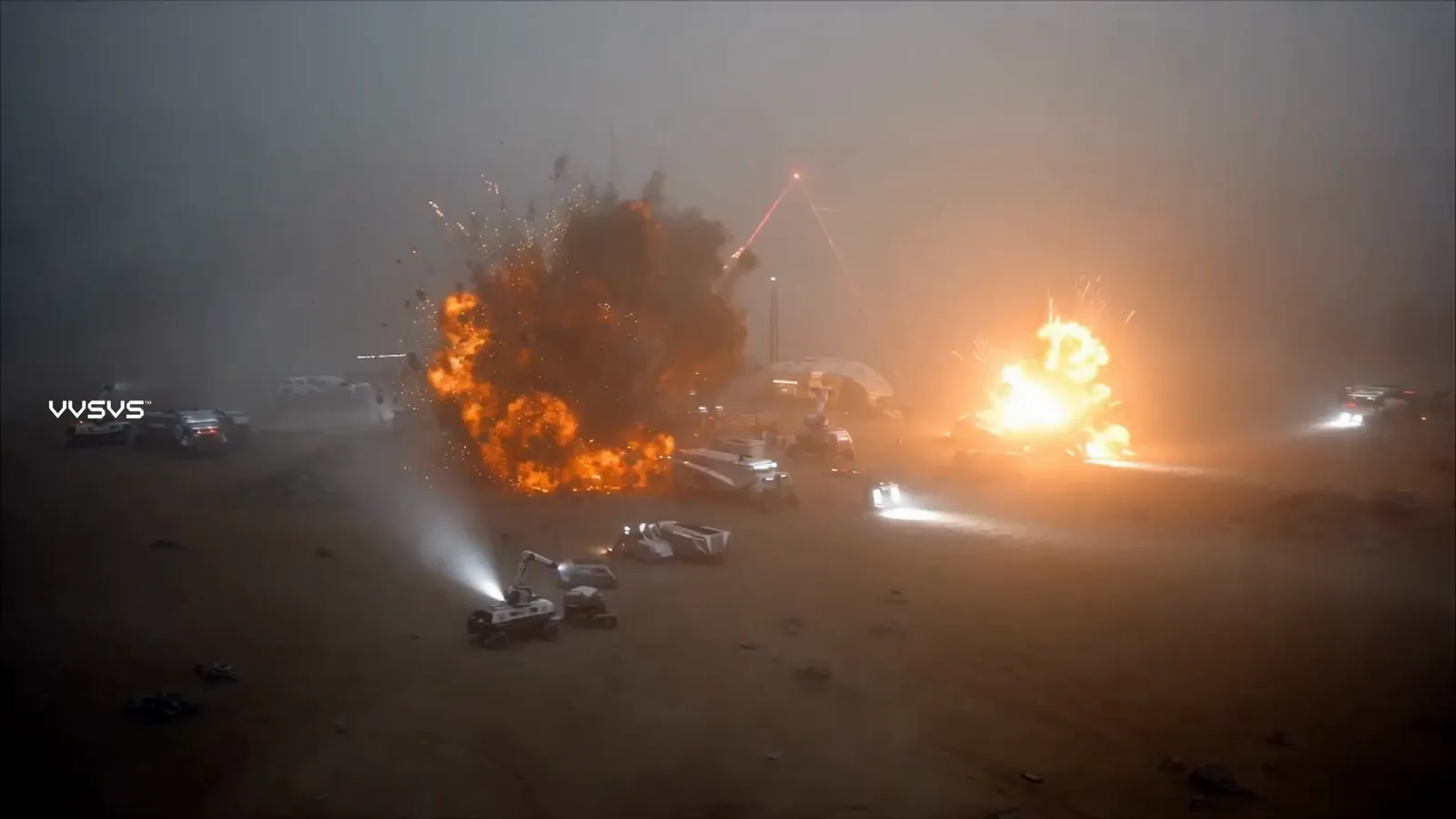
Here's an example of one world I built. It's called Starbase-01. An astronaut on a strange planet finds something ancient in the fog.
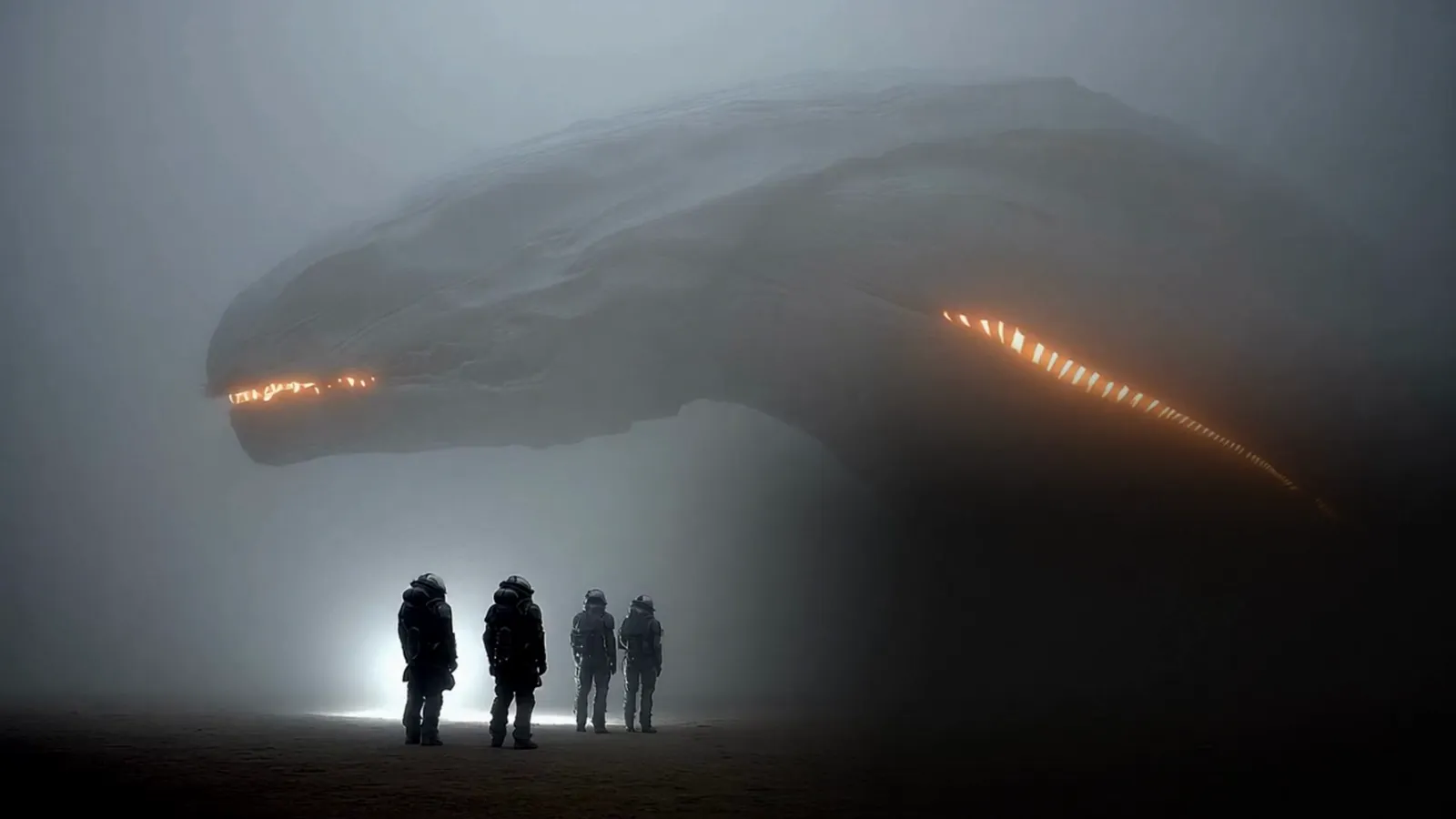
And for your first film, keep it small. One character, one place, one thing that happens. 30 seconds to a minute. Two minutes tops. Write something you can finish this week or over the weekend. Finishing is the skill you're training here.
Skip dialogue on your first film. Making characters talk is hard to get right. Let the music and the pictures tell the story.
Start with pictures
Before you make any video, collect images in one folder. One image is also called a still. Film stills, photos, paintings, screenshots. Anything that feels like the film you want to make. Generate some, collect some, give it an hour. The more, the better, but know that you'll throw most of it away.
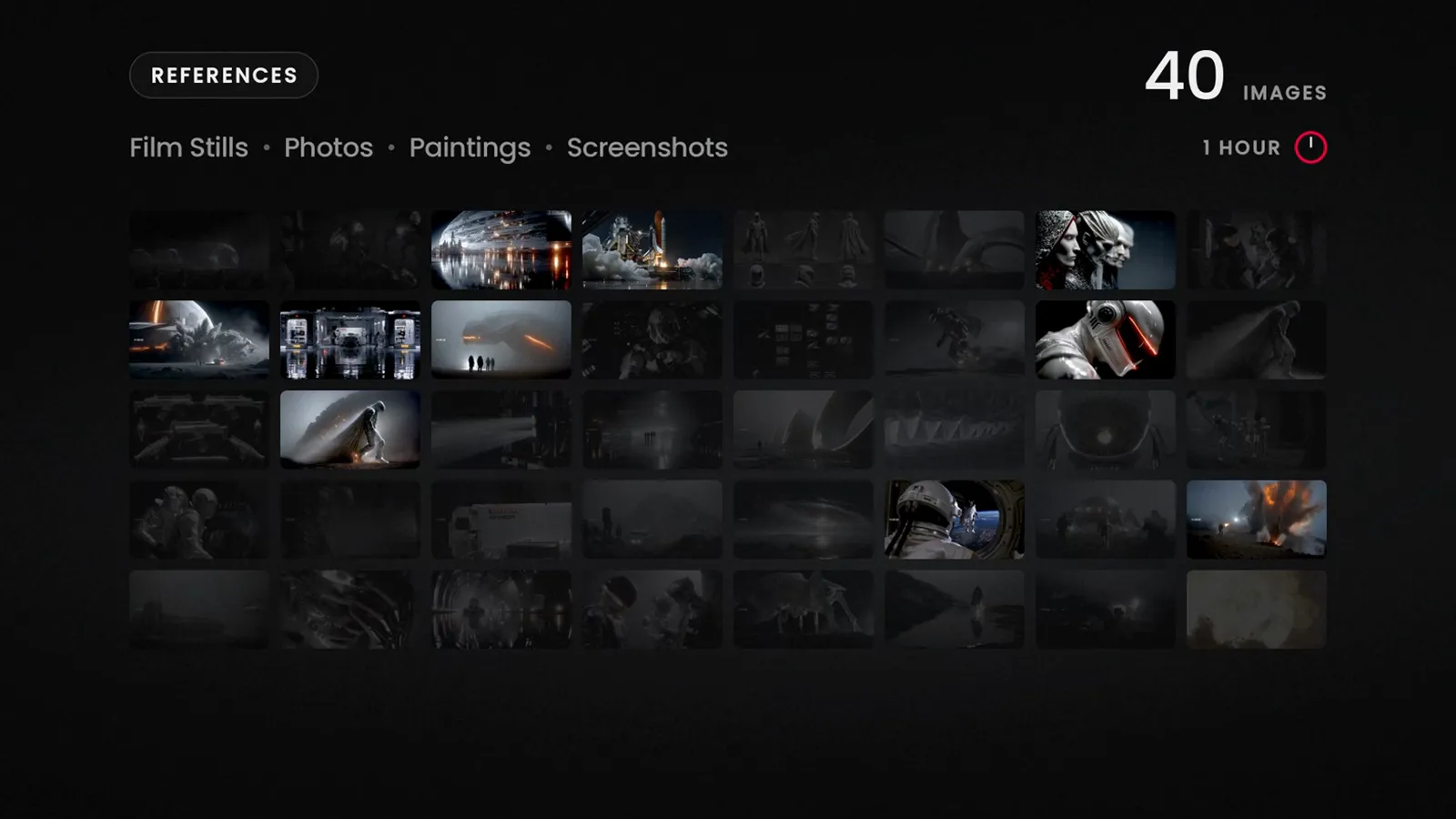
For your first film, cut it down to ten images. Ten is more than enough. Keep those ten images open while you work. Later, check everything you make against them. If it doesn't fit, leave it out.
For images, I use Midjourney. If you don't know where to start, start there.
Whatever tool you use, your images need to be consistent. That means they look like they come from the same film, same character, same world, same light.
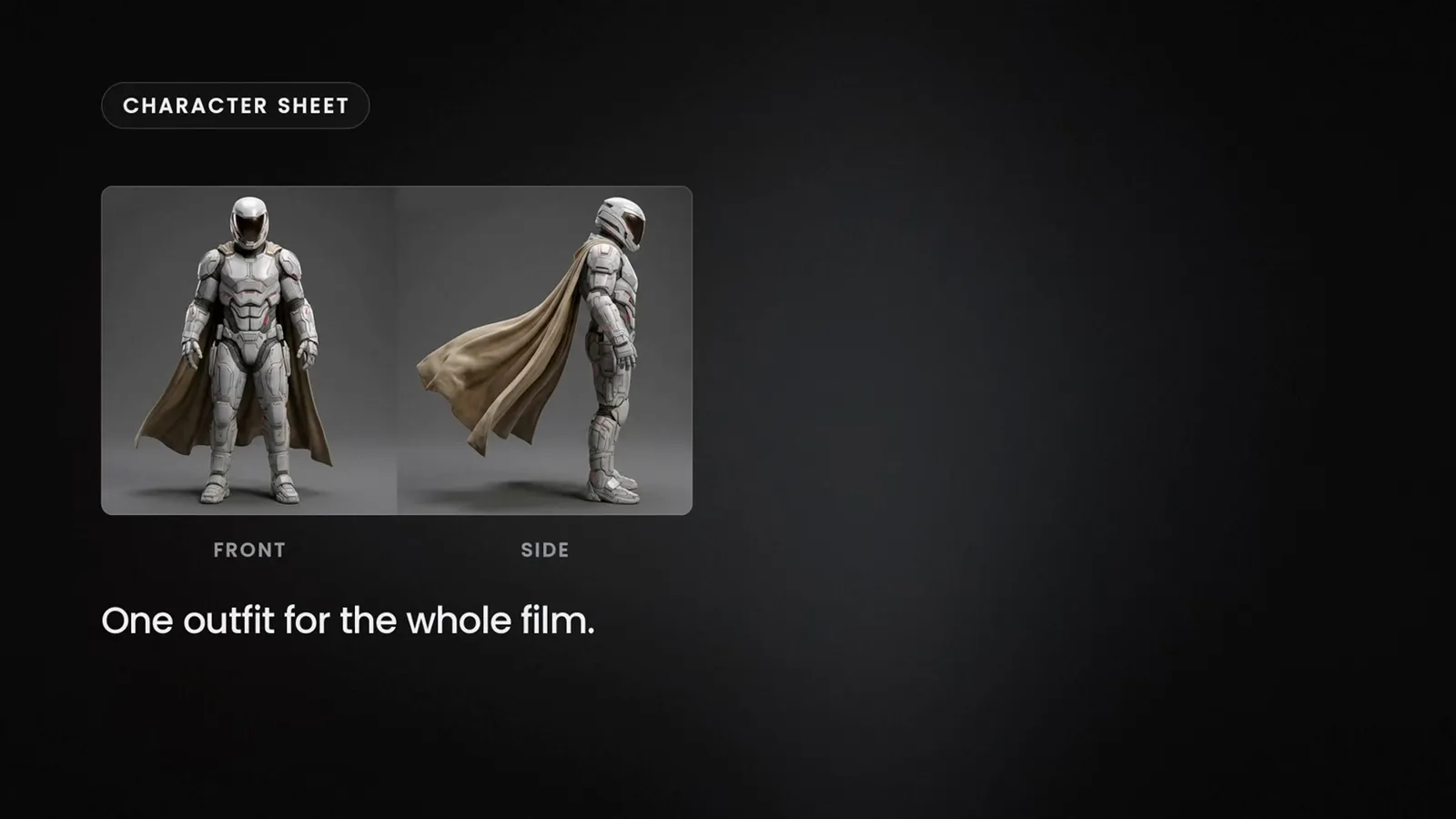
Here's how you get that consistency. Make a character sheet, one clear image of your character, front and side, in the outfit they wear for the whole film. Then, make three or four location stills. Use those images as references. A reference is an image you give to the AI to show what your character and your world look like.
Then, generate one still for each moment of your film. Ten to fifteen stills is a whole short film.
Here's why these stills matter. Each one becomes the first frame of a video clip. The picture the video starts from. So you're already making your film.
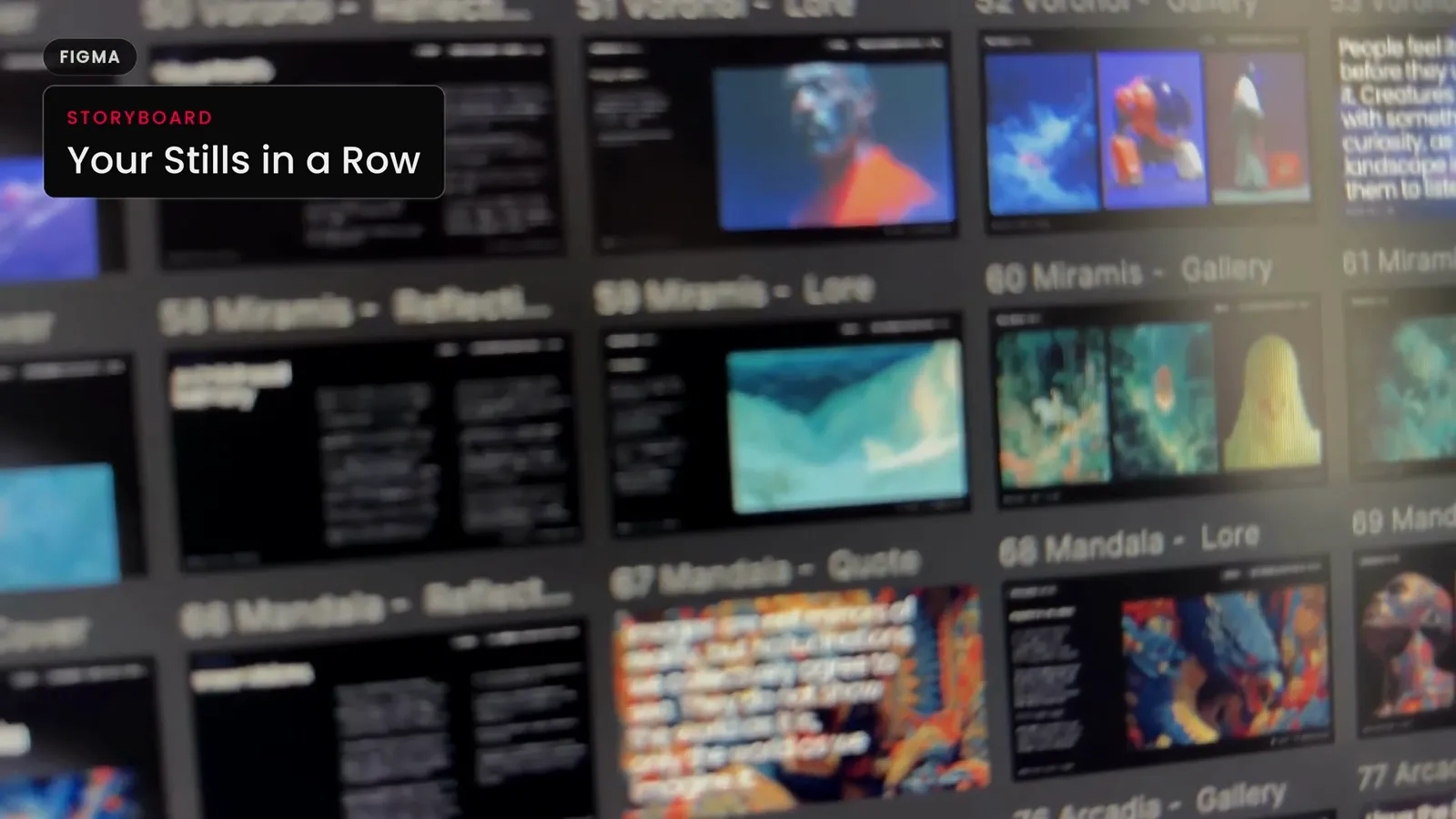
Now, put your stills next to each other in order. Any software works. Read it left to right, like a comic. This is your storyboard. You'll see right away if a moment is missing. Make a still for each gap. When the row tells the story on its own, your storyboard is done.
Pick the music
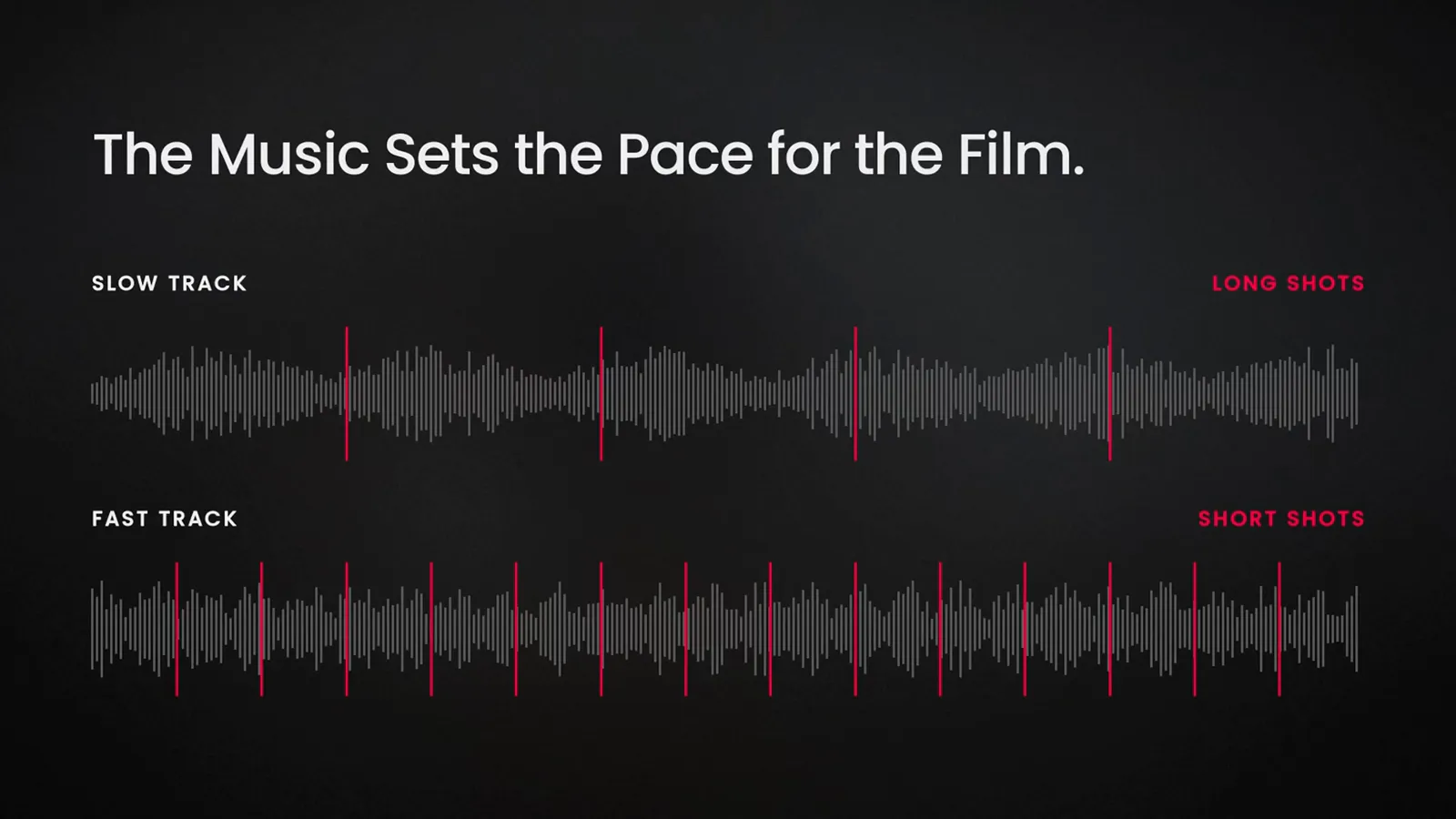
I choose the track before I make the first cut. Pick yours now, before you start any video. The music sets the pace for the film. A slow track means long shots. A fast track means short shots and more of them.
That's pre-production. One sentence, ten images, a row of stills, and one track. Now we make the film.
Phase two: production
This is where you make the shots.
Image to video
Turn your stills into video. This is called image to video. You give the AI a still, and you type what should move. That text is called a prompt. You get back a video clip, and for this, I mostly use a tool that is called Seedance. I do most of this in Flora. It's a website where many AI tools sit on one board.
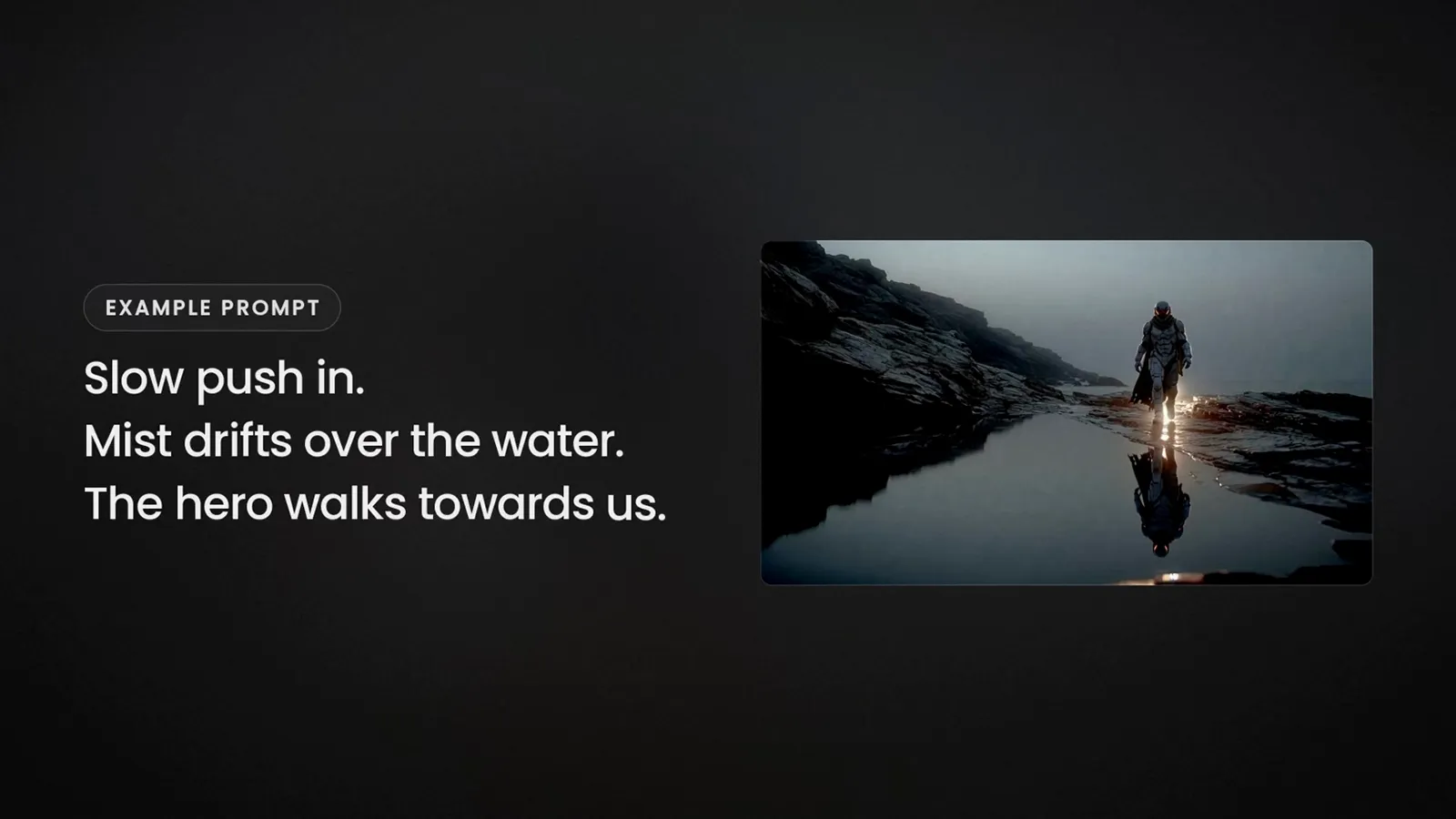
Describe the motion: the camera moves, the subject does something, the weather does something, that's it. Here's an example. Slow push in. Mist drifts over the water. The hero walks towards us. Push-in means the camera slowly moves closer. That's the whole prompt.
Takes
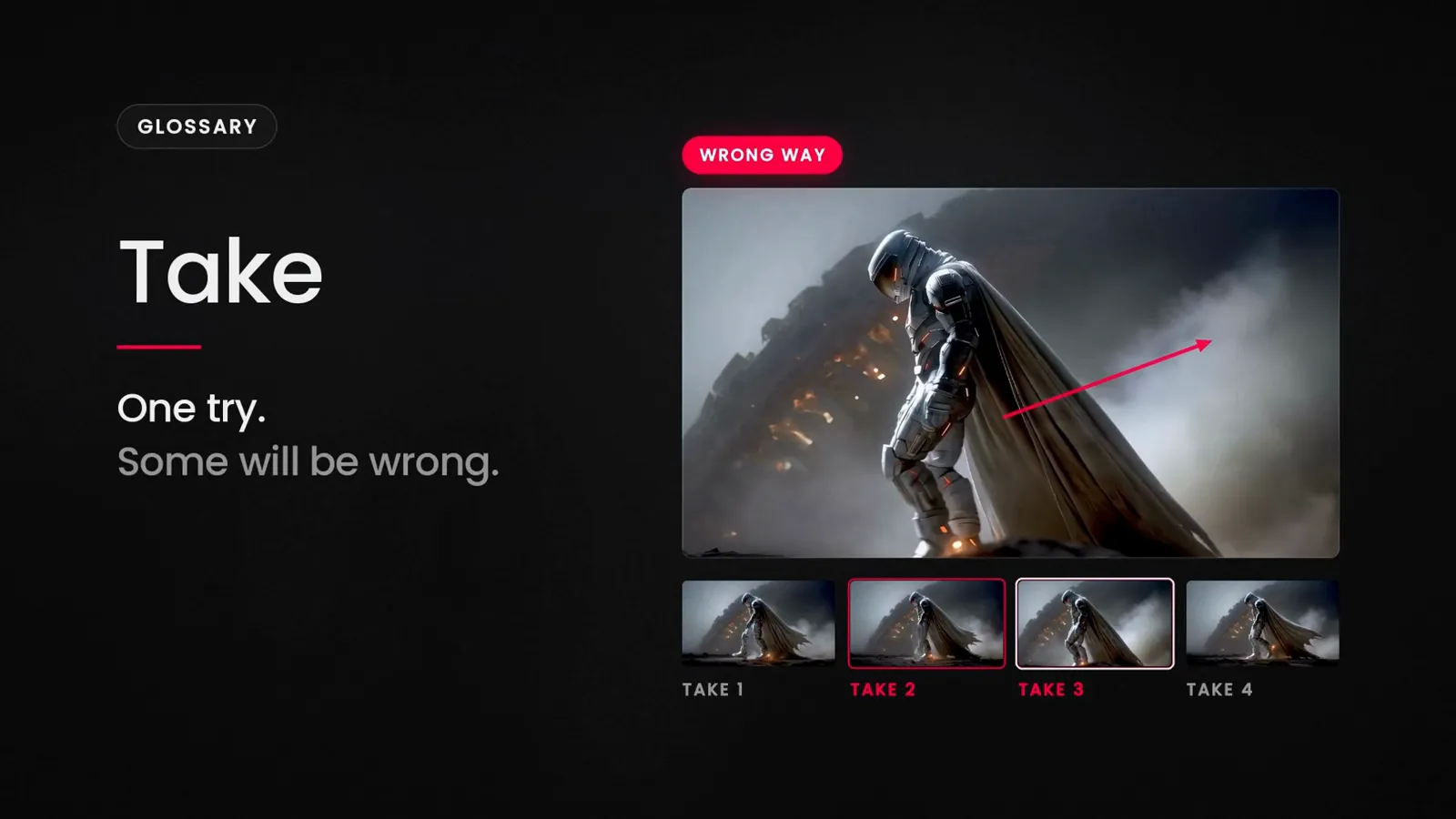
Make three or four takes for each shot. A take is one try. Some will be wrong. A hand melts, the camera goes the wrong way, the character turns into something else. That's normal with AI. Don't fight a bad take. Regenerate. It's cheaper to make a new one than to fix the broken one.
Build the film as you go
For this step, you need an editing app. I use DaVinci Resolve. It's free and it does the edit, the color and the sound in one app. If you're going to learn one editor, learn this one.
My advice: start with one image tool and one video tool, and learn what they can do. New tools come out every month. You don't need to learn all of them.
Every editing app has a timeline. That's the long strip where your clips sit in order, left to right. The music sits on its own strip underneath.
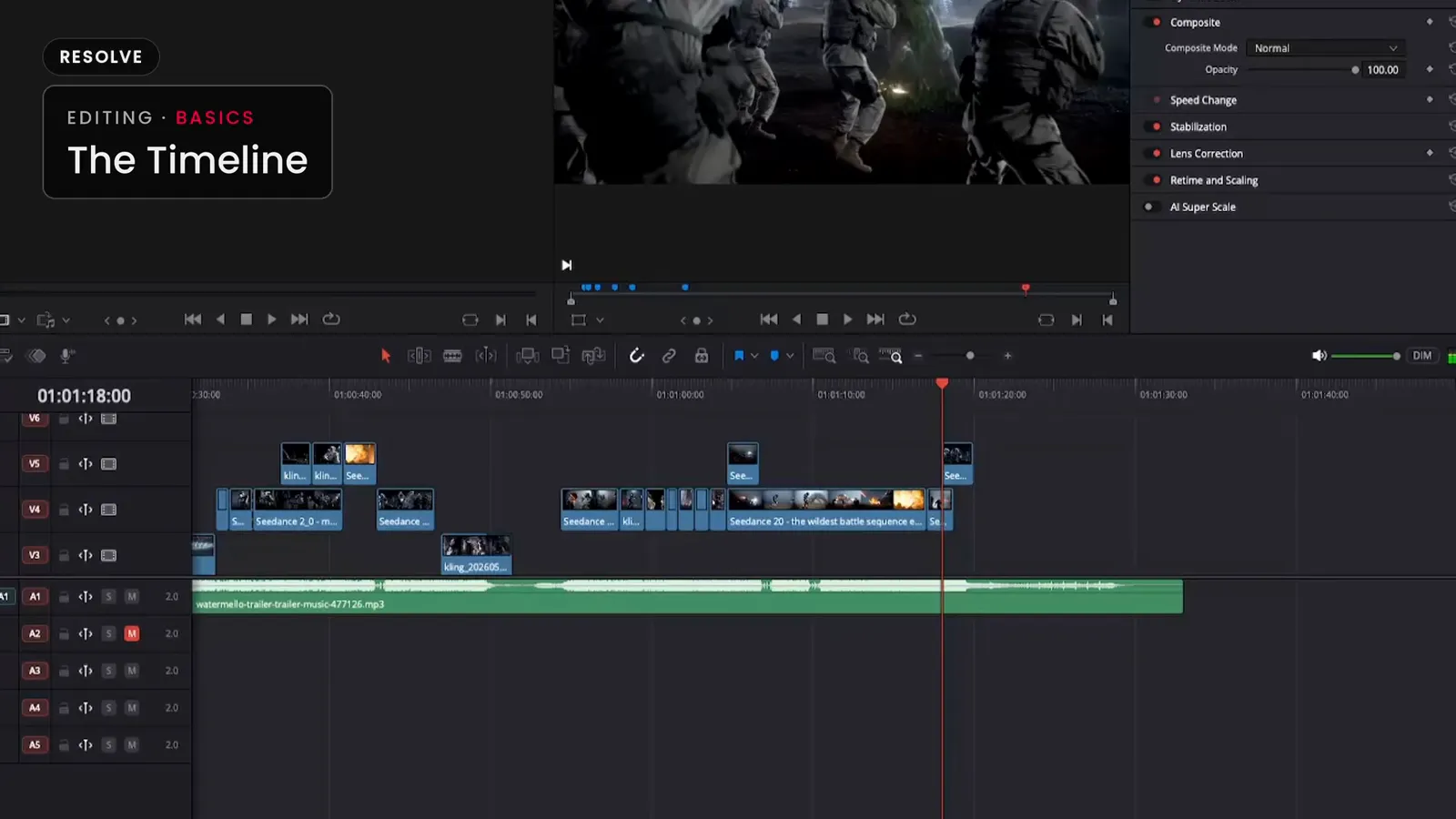
Make only the first three shots. Put them on the timeline, over the music, and watch. You'll see right away what's missing. Maybe we can't tell where we are. Then you need a wide shot of the place. So you go back and make exactly that shot. Put it in and watch again.
Generate, place, watch, generate. That's the loop. In traditional film, you shoot everything first and then you edit. Here, the edit tells you what to make next. So, with AI, editing is part of production.
Keep going until the film plays from start to finish, then lock it. That means no new shots and no changes to the order.
Phase three: post-production
This is where you finish the film.
Trim
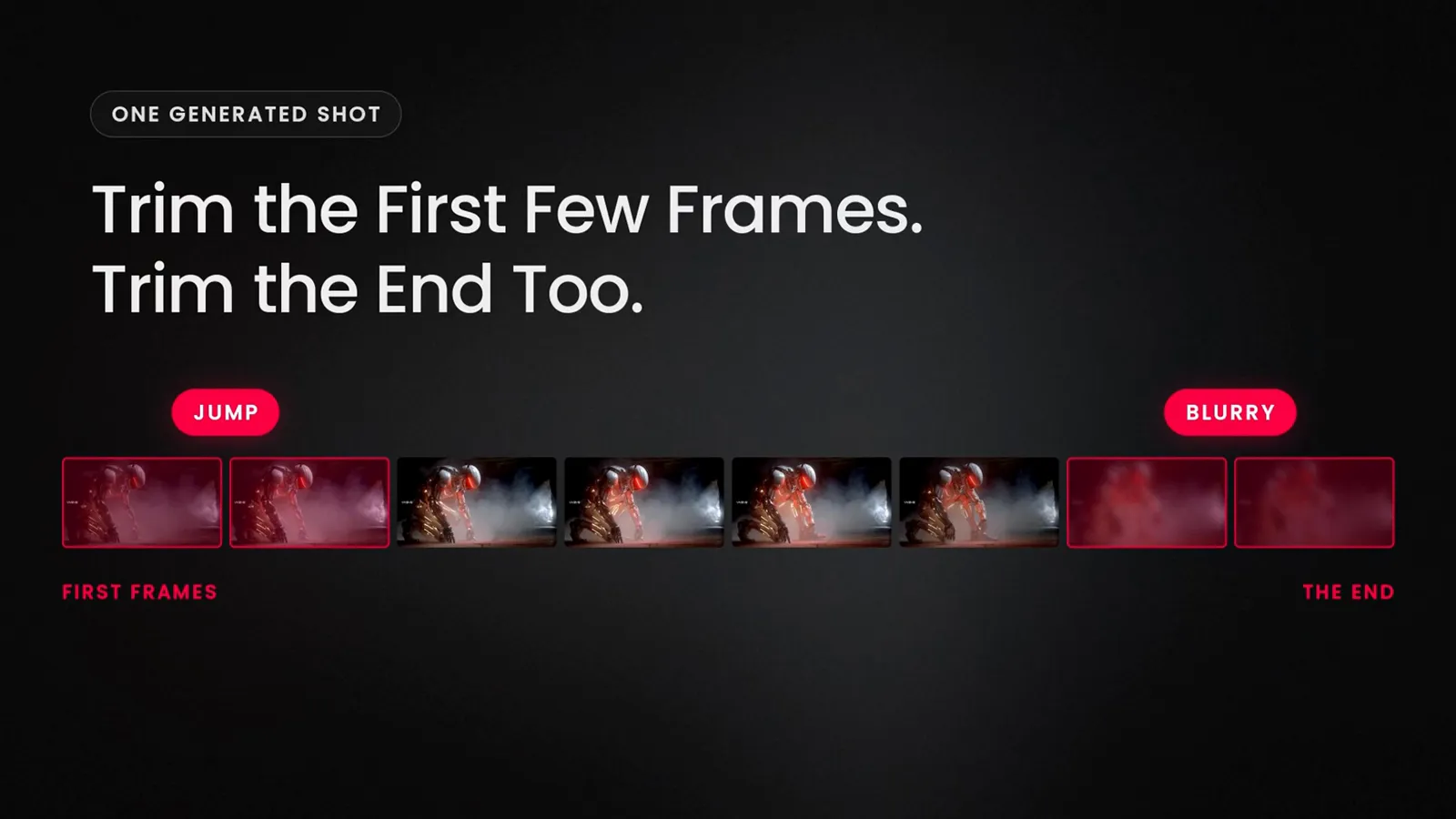
Trim means cutting a bit of the start or the end of a clip. Trim the first few frames of every clip. AI clips often start with a small jump. Trim the end too. If a shot gets blurry at the end, cut it before that.
Sound
Sound is what makes AI video feel real. It has three parts: ambience, foley and music.
Ambience is the background sound of a place, like wind, rain, or the hum of a room. Put it under every second of your film.
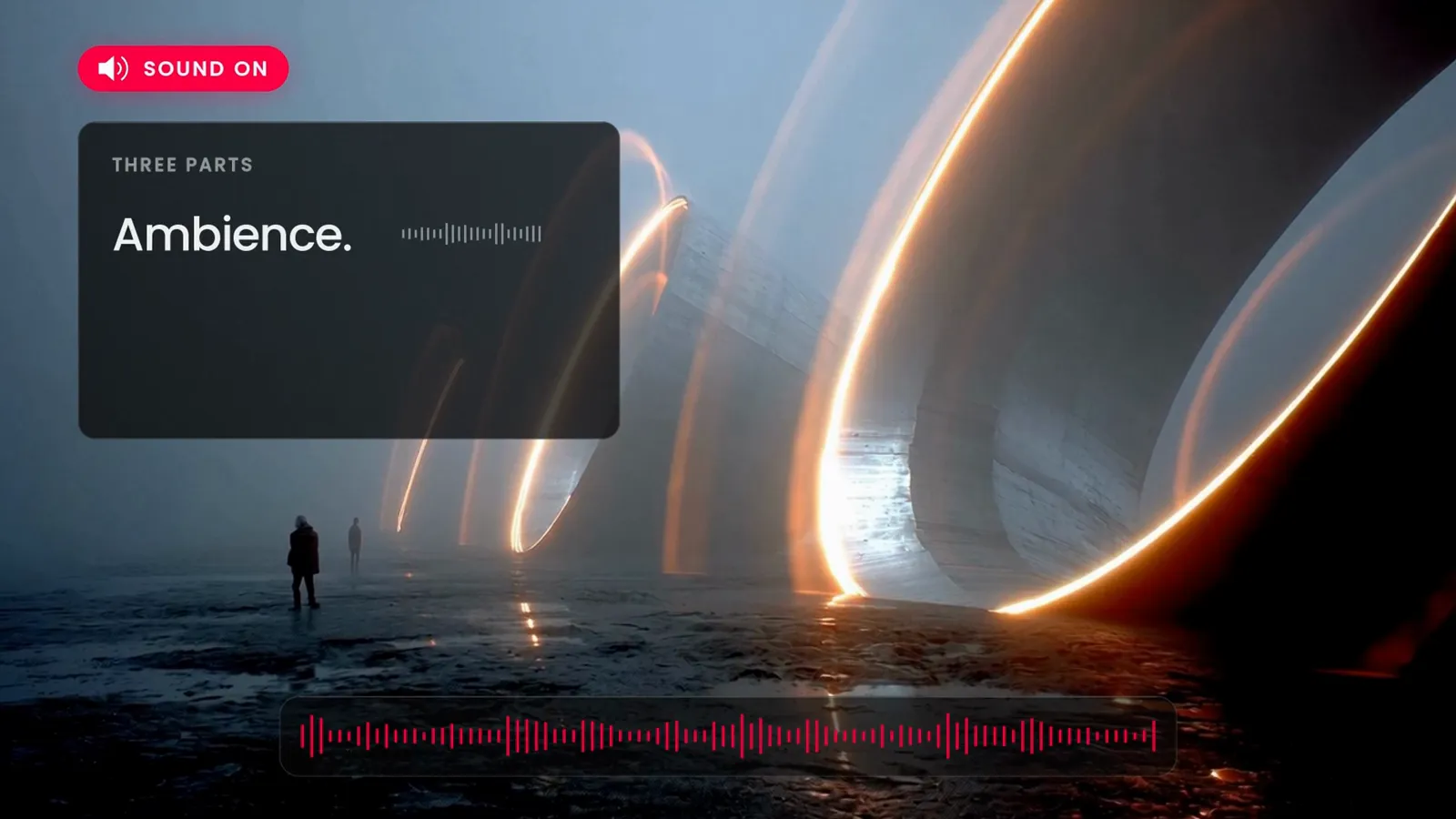
Foley is the sound of things you see on screen. Boots on wet rock, a rocket lifting off, a creature breathing in the fog. You only need it for the moments that matter.
Music is the third part. Cut from one shot to the next on the beat of the music.
Here's a tip. Make your first film a music video. So the music does most of the work, and you can put all your time into the images.
Export and share
Export at the best quality your editor offers. YouTube lowers the quality of every upload, so give it the best file you can. Next, pick a thumbnail. That's the small picture people see before they click. Use your best still. Then, write the title that says what it is, and post.
Where to start
So, that's the whole process. Three phases: plan the film, make the shots, and finish it. And three tools: one for images, one for video, and one for editing.
Here's where to start. Write one sentence, collect ten images, pick one track. Then make your first three shots.
If you want to go further, my World Building Codex is free. And so is the preview Academy.
Go make something small this week, then make another one.
Tools in this log
- Images: Midjourney
- Video: Seedance, on Flora
- Storyboard: Figma (any software works)
- Edit, color and sound: DaVinci Resolve (free)
Affiliate links
The longer version of this, with the reasons behind each step, is The Map, the first lesson of Module 05 in the World Building Academy. It is open in the free preview Academy.